Amol B

What does a Kindle already track?
Quite a lot. Reading Insights (on the device and in the Kindle app) shows days read in a row, weeks with reading, books finished this year, and pages per session. It also knows your reading speed for the current book and estimates time left in the chapter. If every book you read were a Kindle book, you would barely need a tracker.
The limits are the edges. It knows nothing about the paperback on your bedside table, the library ebook on Libby, or the audiobook you finished on a walk. Its streak breaks when you read on paper. And the record is Amazon's: there is no export of the insights, and a closed account is a lost history.
Pages, locations or percent?
| Unit | What it is | Use it for |
|---|---|---|
| Percent | Position as a share of the book; always available | Logging progress in any tracker; the honest default |
| Page number | Real print-edition pages, when the publisher supplied them | Matching notes to a paper copy; page-based trackers |
| Location | Kindle's own unit: about 128 bytes of text; roughly 16 locations per print page | Nothing outside the Kindle. Convert: locations ÷ 16 ≈ page |
| Time left in book | Kindle's estimate from your pace | Planning a session; not for logging |
Log percent. If your tracker wants a page and the Kindle shows one, use it; if the Kindle shows only locations, divide by about 16 for a rough page or, better, multiply the percent by the print edition's page count.
How do you get Kindle highlights out?
- My Clippings.txt. Connect the Kindle by USB; the file in the documents folder holds every highlight and note from sideloaded and store books, with title, location and date. Plain text, yours forever.
- Notebook export. On the device, open the book's notebook and choose Export Notebook; it emails a PDF or CSV of that book's highlights. Works per book; store-bought books only.
- read.amazon.com/notebook. All highlights for store-bought books, in a browser, copy-and-paste ready.
- Third-party tools. Readwise, Bookcision and clippings.io parse the above into cleaner formats; useful if you highlight heavily.
Whatever route, keep the location or page with each highlight. A quote without a position is a quote you cannot check.
Which trackers fit Kindle readers?
| Tracker | Kindle progress | Highlights | Also tracks paper and audio | Notes |
|---|---|---|---|---|
| Goodreads | Automatic sync | Via Amazon account | Manually | The only auto-sync; the usual Goodreads trade-offs |
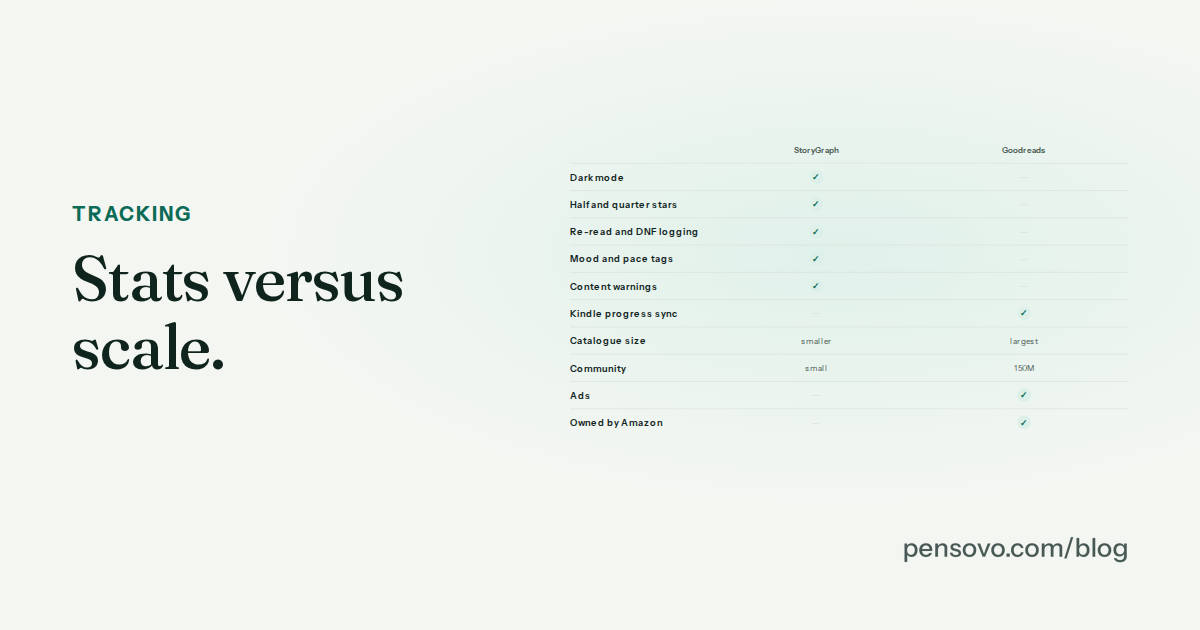
| StoryGraph | Log percent | No import | Yes | Syncs Kobo, not Kindle |
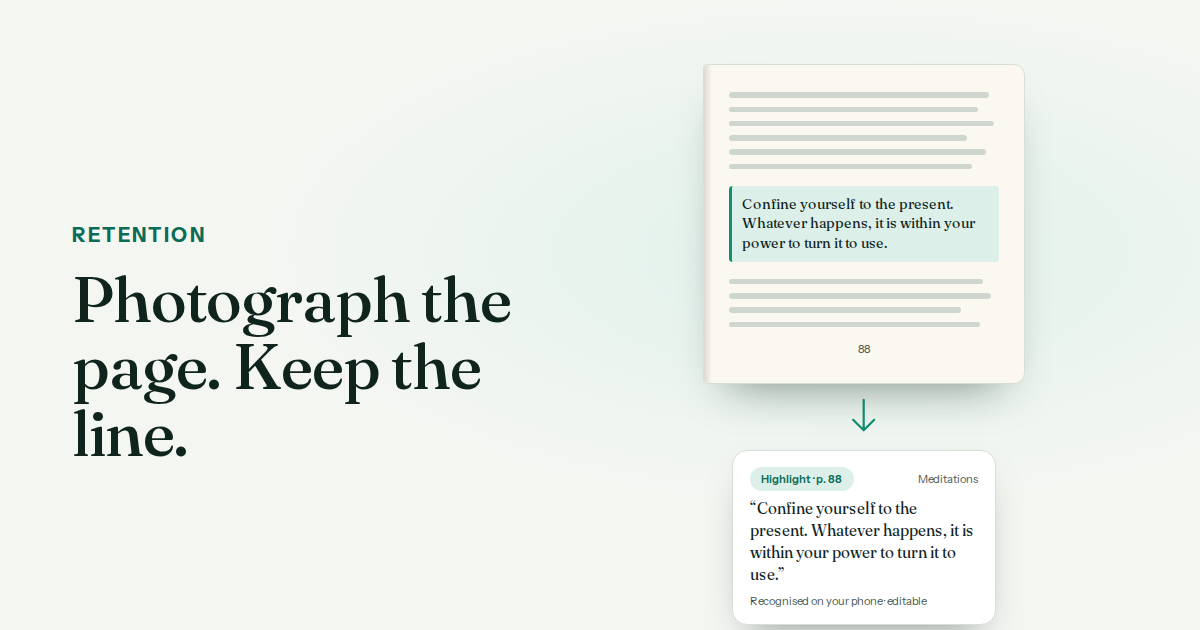
| Pensovo | Log page or percent | Photograph a page; clippings import on the roadmap | Yes — built for it | Streak and calendar count Kindle and paper days together |
| Bookmory | Log page or percent | OCR from paper | Yes | Offline; ads on the free tier |
| Readwise | No | The best highlight tool | No | Pair with a tracker |
A simple Kindle-plus-paper routine
When you stop reading on the Kindle, note the percent and log it in the tracker — two taps. When you stop reading paper, log the page. The tracker's calendar and streak now count both, which the Kindle alone cannot do. Once a month, export the highlights and file them with the book. The Kindle stays the best reading device you own; the tracker becomes the record.
Common questions
Does Kindle track how many books you read?
Yes, in Reading Insights: books finished this year, days in a row, weeks with reading and pages per session. It only counts Kindle reading, and there is no export.
How do I track Kindle books in a reading tracker?
Log the percent (or the page, if the book shows real page numbers) when you stop. Goodreads syncs automatically; everything else is a two-tap manual log.
How do I convert Kindle locations to pages?
Roughly 16 locations per print page, or multiply the percent complete by the print edition's page count. Percent is the more honest unit.
How do I export Kindle highlights?
My Clippings.txt over USB for everything, Export Notebook per book on the device, or read.amazon.com/notebook in a browser for store-bought books.
Does StoryGraph sync with Kindle?
No. StoryGraph syncs with Kobo (since June 2026). Only Goodreads syncs Kindle progress.
Can I keep a reading streak across Kindle and paper?
Yes, in a tracker that counts days rather than devices. Log the Kindle percent and the paper page into the same app and the streak covers both.