Amol B
Why is reading on a phone so hard?
Not because of the screen — millions of people read comfortably on Kindles, which are screens. Because the phone is a slot machine with a book app on it. Every notification is a reason to leave the page, and the browser is one swipe away. A 2017 study (Ward and colleagues) found the mere presence of a phone reduces available attention; when the phone is the book, the fix has to be inside the phone.
Seven ways to read on your phone without drifting
- Aeroplane mode for the session. Not Do Not Disturb, which hides notifications but leaves the network and the pull. Aeroplane mode means the tab you almost opened will not load, and the impulse passes.
- A reading Focus or profile. If you want calls through, set up a Focus (iOS) or a Focus mode (Android) that allows the reading app, the tracker and calls, and blocks everything else. Turn it on with the timer.
- A reading home screen. One page with the book app, the tracker and a clock. Swiping to the second page is friction, and friction is the point.
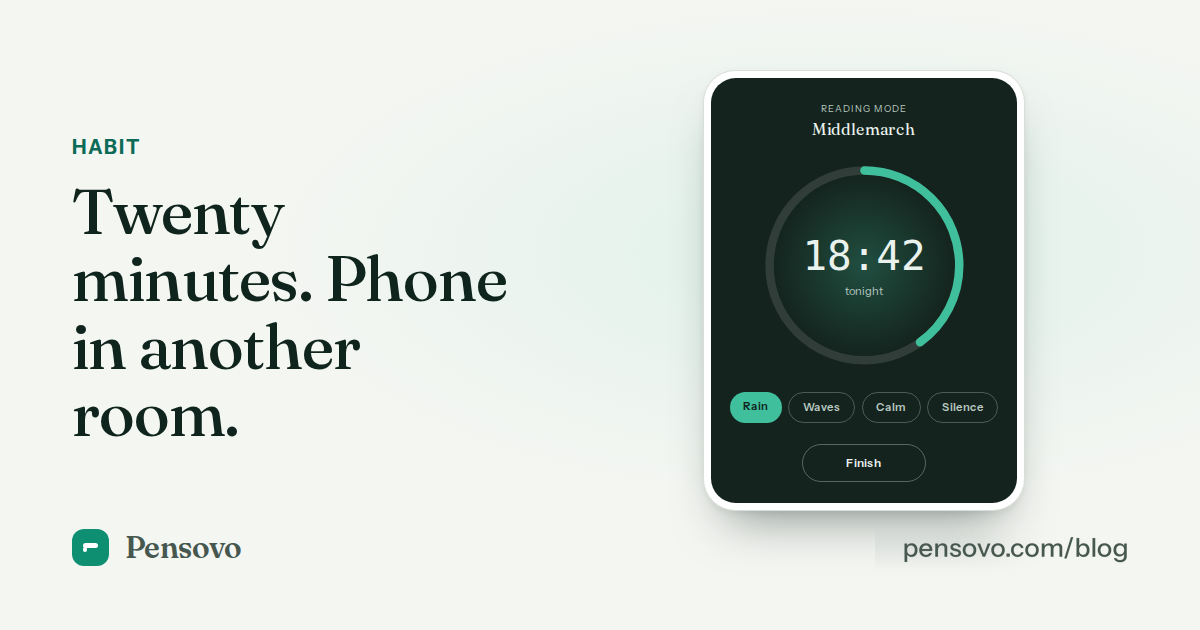
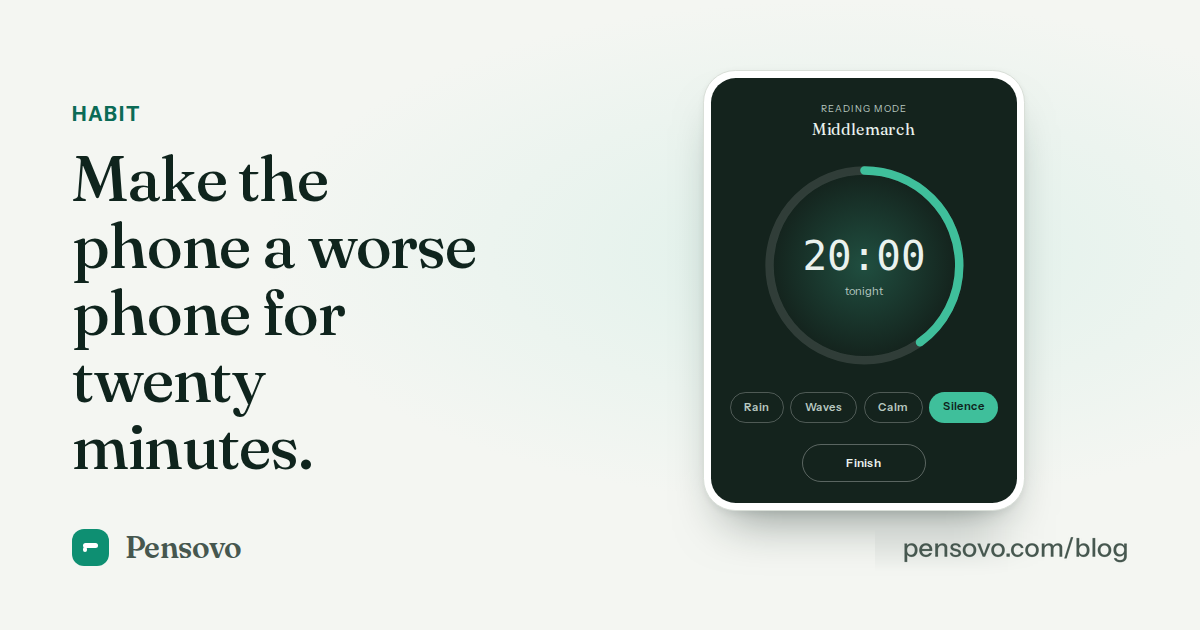
- A twenty-minute timer. Start it when you open the book. The session has an end, so "just checking" can wait until it. Full-screen timers with an ambient sound bed work well because there is nothing to look at.
- Night settings. Warm colour temperature, dark page, brightness low, text a size larger than you think. A comfortable screen is a screen you stay on.
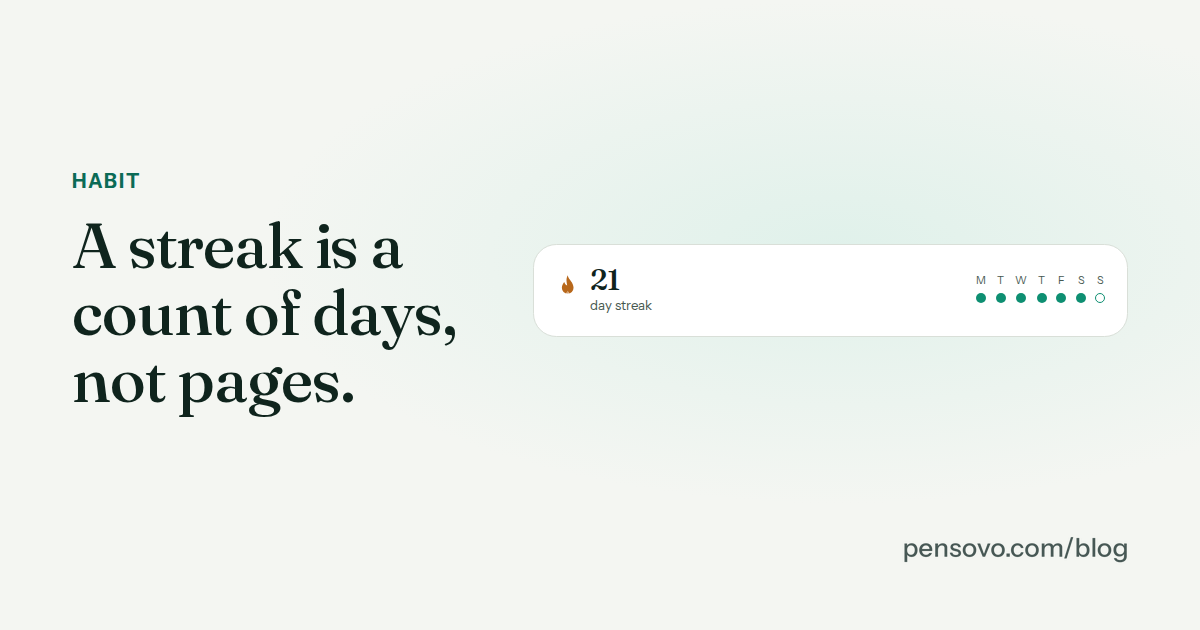
- Log the page when the timer ends. Two taps. It closes the loop, feeds the streak, and is the only reason to touch the tracker during the session.
- Paper for the hard book. Use the phone for the novel you carry everywhere and the paperback for the book that needs your best attention. The phone's strength is that it is always with you, not that it is a good place for difficult reading.
Does reading on a phone hurt sleep?
Less than the folklore says and more than nothing. The blue-light effect on melatonin is real but modest at low brightness with a warm filter; the larger effect is behavioural — a phone in bed becomes scrolling in bed. The reading-before-bed guide goes into the studies. The practical rule: warm filter, brightness down, aeroplane mode, and a book app that does not have a feed.
Should I just buy an e-reader?
If you read a lot on screens, an e-ink reader removes the whole problem and is easier on the eyes. But the phone is the device you already carry, and a reader you always have beats a better reader you left at home. Many readers do both: phone for the commute, e-reader or paper for the evening.
Common questions
Is it bad to read books on your phone?
No. Comprehension studies find small or no differences between phone and print for most reading; the real cost is distraction, which you can remove with aeroplane mode and a timer.
How do I stop opening other apps while reading?
Aeroplane mode for the session, a home screen with only the reading app, and a twenty-minute timer so 'just checking' has a scheduled moment.
What is the best screen setting for reading at night?
Warm colour temperature, dark background, brightness low, text one size larger than you think. Turn off auto-brightness in bed.
Does Do Not Disturb help with reading?
Partly. It hides notifications but leaves the network and the habit. Aeroplane mode or a reading Focus that blocks other apps works better.
Is a Kindle better than a phone for reading?
For long sessions and for sleep, yes. For always having the book with you, the phone wins. Many readers use both.
Can I track phone reading like paper reading?
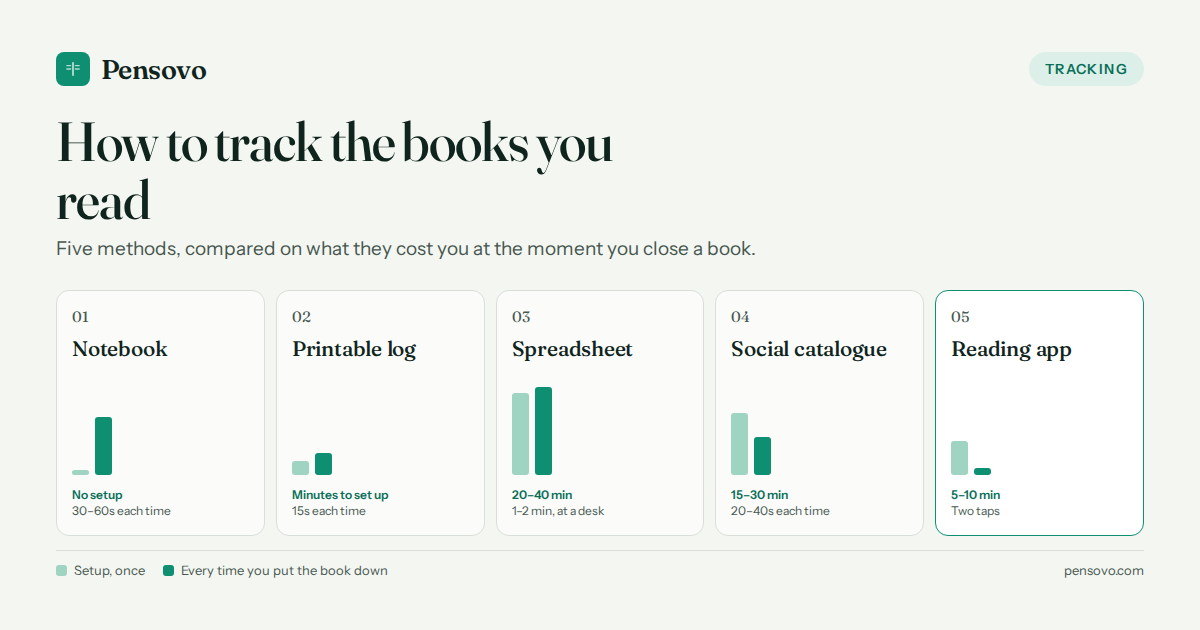
Yes. Log the page or percent when the session ends, or run a session timer and let the minutes count the day.